
This article covers how Hadiya’s blocks appear on the product page with any theme, how to make them follow your theme’s colors, and how to place them yourself with blocks, shortcodes or Elementor widgets.
Product page placement
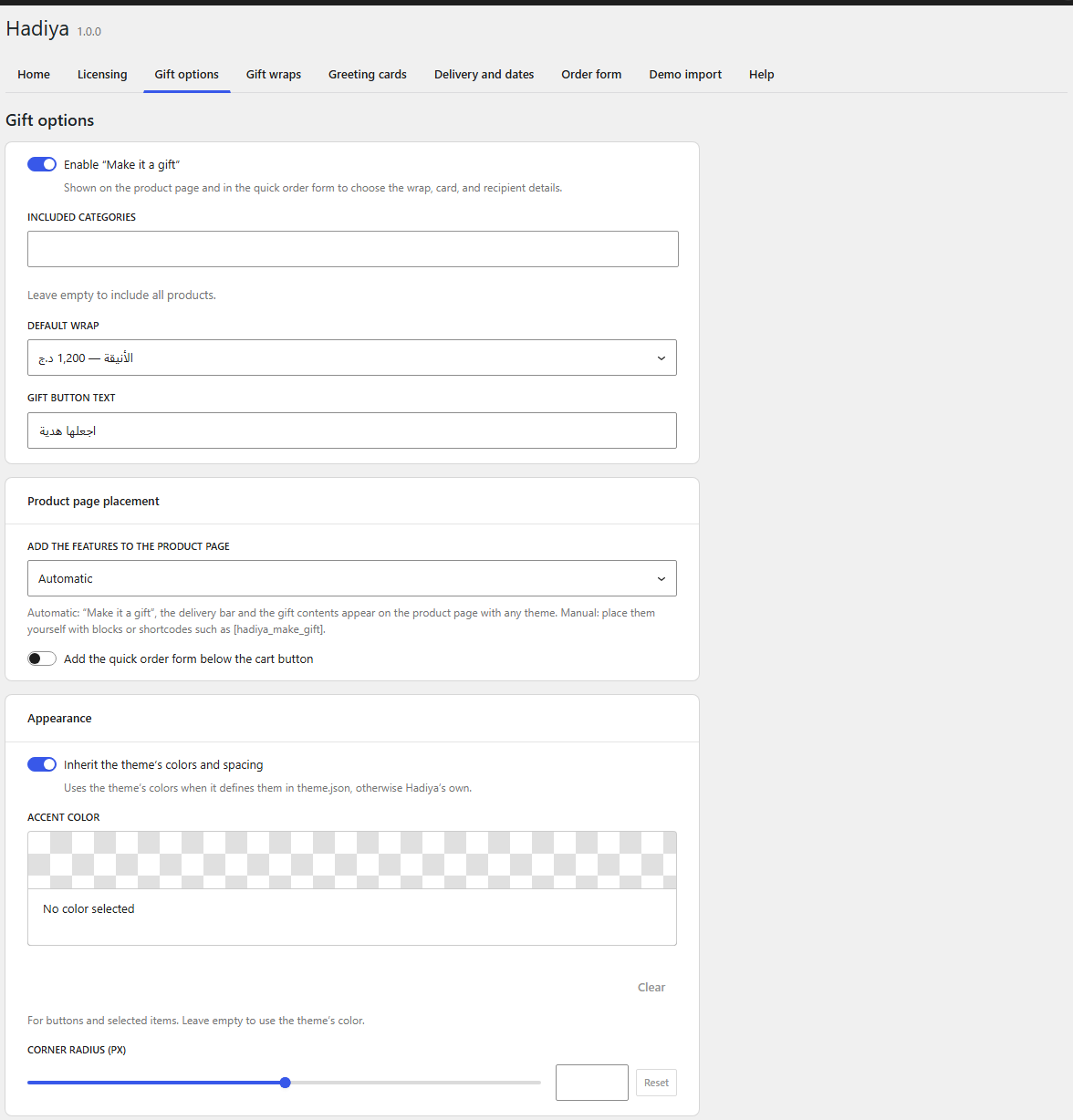
In Hadiya → Gift options → Product page placement:
- Automatic (default): “Make it a gift”, the delivery bar and the gift contents are added to the product page with any theme, through WooCommerce’s product page hooks in classic themes and Block Hooks in block themes. A block that’s already in the template isn’t added twice.
- Manual: nothing is added, so you place the blocks yourself or use the shortcodes below.
- Add the quick order form below the cart button: adds the form to the product page automatically. Pro
The box builder is added below the product image and summary at full width, because the purchase column is narrower than the product grid.
Appearance
In Hadiya → Gift options → Appearance:
- Inherit the theme’s colors and spacing (default): the blocks use the theme’s colors when it defines them in theme.json, otherwise Hadiya’s own.
- Accent color for buttons and selected items.
- Corner radius (px).
Blocks
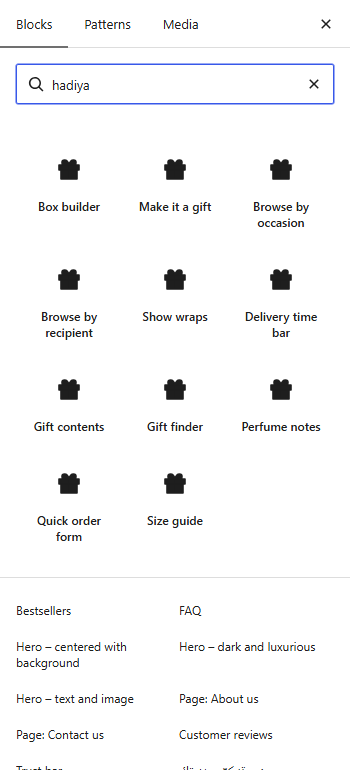
In the block editor, search the inserter for hadiya. Free blocks: Make it a gift, Box builder, Browse by occasion, Browse by recipient and Gift wraps. On Pro: Gift contents, Quick order form, Gift finder, Delivery bar, Perfume notes and Size guide.
Shortcodes
Every block is available as a shortcode for page builders and classic content. The id attribute sets the product (or the box product); without it the block uses the current page’s product.
| Shortcode | Attributes | Version |
|---|---|---|
[hadiya_make_gift] |
id, open_by_default="no", show_total="yes" |
Free |
[hadiya_box_builder] |
id, title |
Free |
[hadiya_occasions] |
title, terms (slugs or IDs, comma-separated), columns="4", limit="0", hide_empty="no", show_count="no" |
Free |
[hadiya_recipients] |
title, terms, columns="3", hide_empty="no" |
Free |
[hadiya_wraps] |
title, columns="3", limit="0", show_description="yes" |
Free |
[hadiya_gift_contents] |
id, title, columns="4" |
Pro |
[hadiya_quick_order] |
id, title, subtitle, button_text, show_sticky="yes" |
Pro |
[hadiya_gift_finder] |
title, budgets="2000,5000,10000", limit="8" |
Pro |
[hadiya_perfume_notes] |
id, title |
Pro |
[hadiya_size_guide] |
id, title, display="button" (button or table), show_always="no", show_us="yes" |
Pro |
[hadiya_delivery_bar] |
variant="bar" (bar or inline), show_icon="yes" |
Pro |
Any block also works as [hadiya block="make-gift" product_id="12"].
Elementor
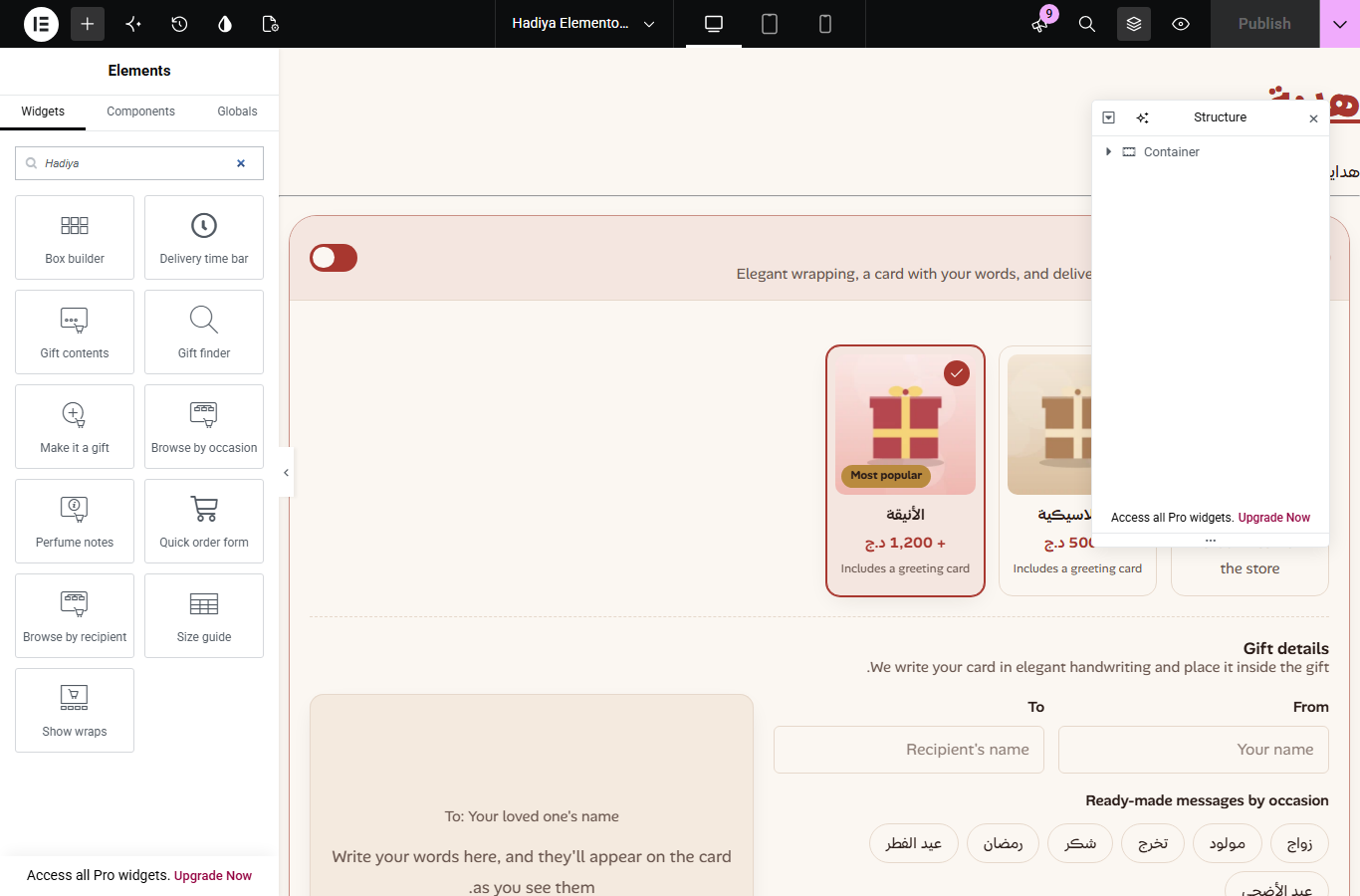
Each block is a widget in the Hadiya category of the widgets panel. Drag a widget onto the page or the product template and set it up in the panel. The editor shows a static preview; the interaction works on the published page.
Other page builders
- Bricks and Divi: add the Hadiya element and choose the block to see its settings.
- Beaver Builder, Breakdance, Oxygen and WPBakery: use the shortcodes in a text or shortcode module.