This article covers what you need to run Hadiya Gift Builder, how to install the free or Pro version, and the first setup steps until the “Make it a gift” option shows in your store.
Requirements
| Item | Version |
|---|---|
| WordPress | 6.7 or later |
| WooCommerce | 9.0 or later (required) |
| PHP | 7.4 or later |
| Theme | Any theme: block themes and classic themes, including Hadiya |
Installing the free version
- Install and activate WooCommerce.
- In your admin, go to Plugins → Add New Plugin and search for
Hadiya Gift Builder. - Click Install Now, then Activate.
On activation you may see the optional Freemius opt-in screen. Nothing is collected unless you agree, and you can skip it.
Installing Pro Pro
After buying from wooarab.com you get the Pro zip file, and your license key arrives in the purchase email.
- Go to Plugins → Add New Plugin → Upload Plugin, choose the zip file, then install and activate it.
- If the free version is installed, it is deactivated automatically and you can delete it. Your settings and wraps stay as they are.
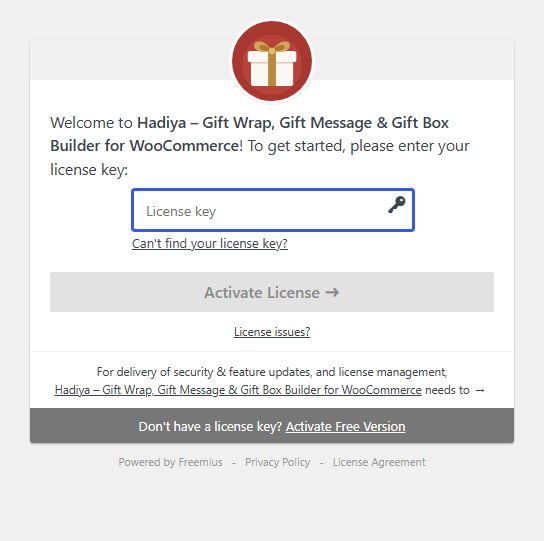
- The license activation screen appears. Paste your key and click Activate License.
License details and the theme and plugin bundle are covered in “Free vs Pro and your license”.
First setup steps
Open Hadiya → Home in the admin menu. You’ll find your license status, a “Setup steps” checklist with a link to each step’s screen, and useful links.
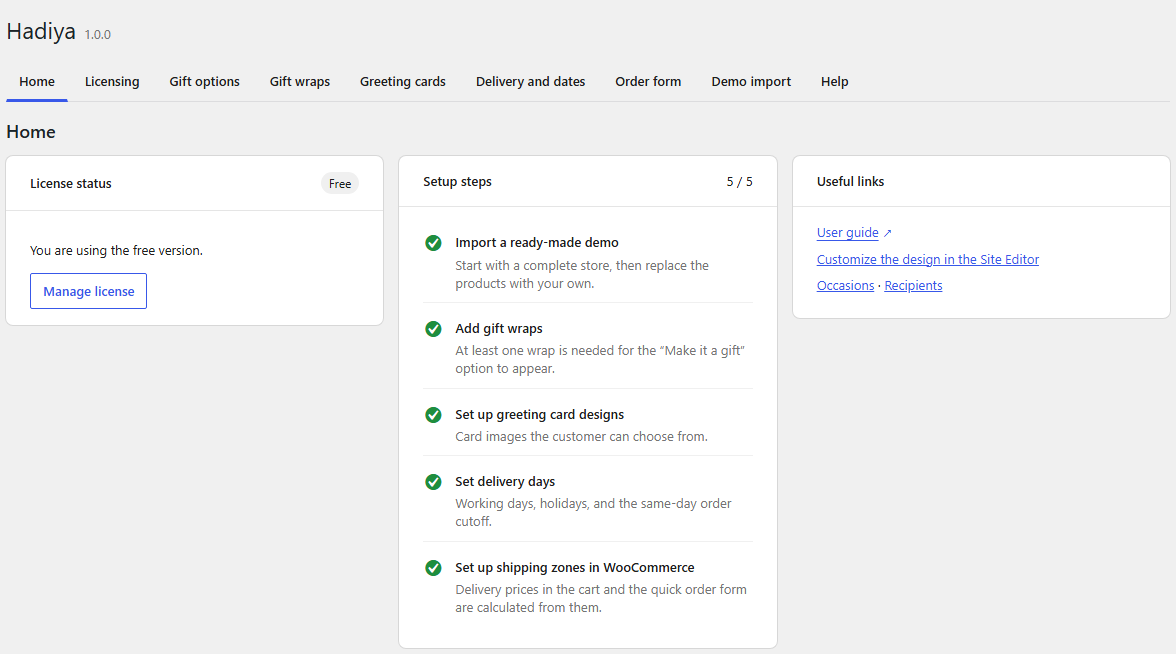
- Add gift wraps in Hadiya → Gift wraps. At least one wrap is needed for “Make it a gift” to appear.
- Set up greeting card designs in Hadiya → Greeting cards. Pro
- Set delivery days in Hadiya → Delivery and dates.
- Set up shipping zones in WooCommerce. Delivery prices are calculated from them.
- Import a ready-made demo if you want a complete store to start from. Pro
Then open any product page in your store: the Make it a gift option appears above the add to cart button, with any theme.
The Hadiya admin is available to administrators and shop managers. Importing a demo needs an administrator.
Getting help
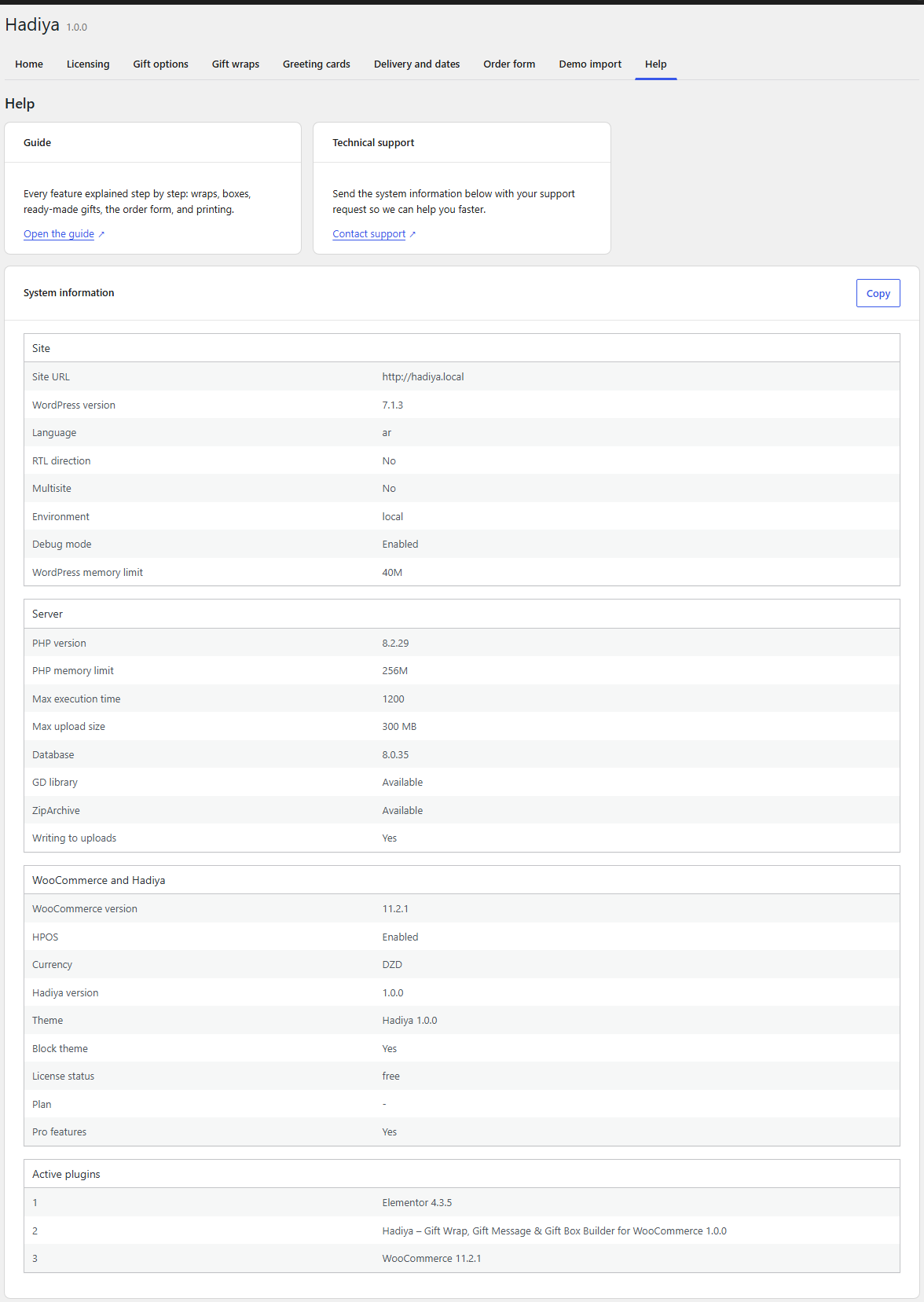
Hadiya → Help has the guide link, the support link and a “System information” table. Click Copy and send it with your request through the contact page so we can help you faster.