
This article covers what you need to run the Hadiya theme, how to install the free version or Pro, how to add the gift features with the Hadiya Gift Builder plugin, and what to do first.
Requirements
| Item | Theme | Hadiya Gift Builder (optional) |
|---|---|---|
| WordPress | 6.6 or later | 6.7 or later |
| PHP | 7.4 or later | 7.4 or later |
| WooCommerce | Recommended, not required | 9.0 or later (required) |
Installing the free version
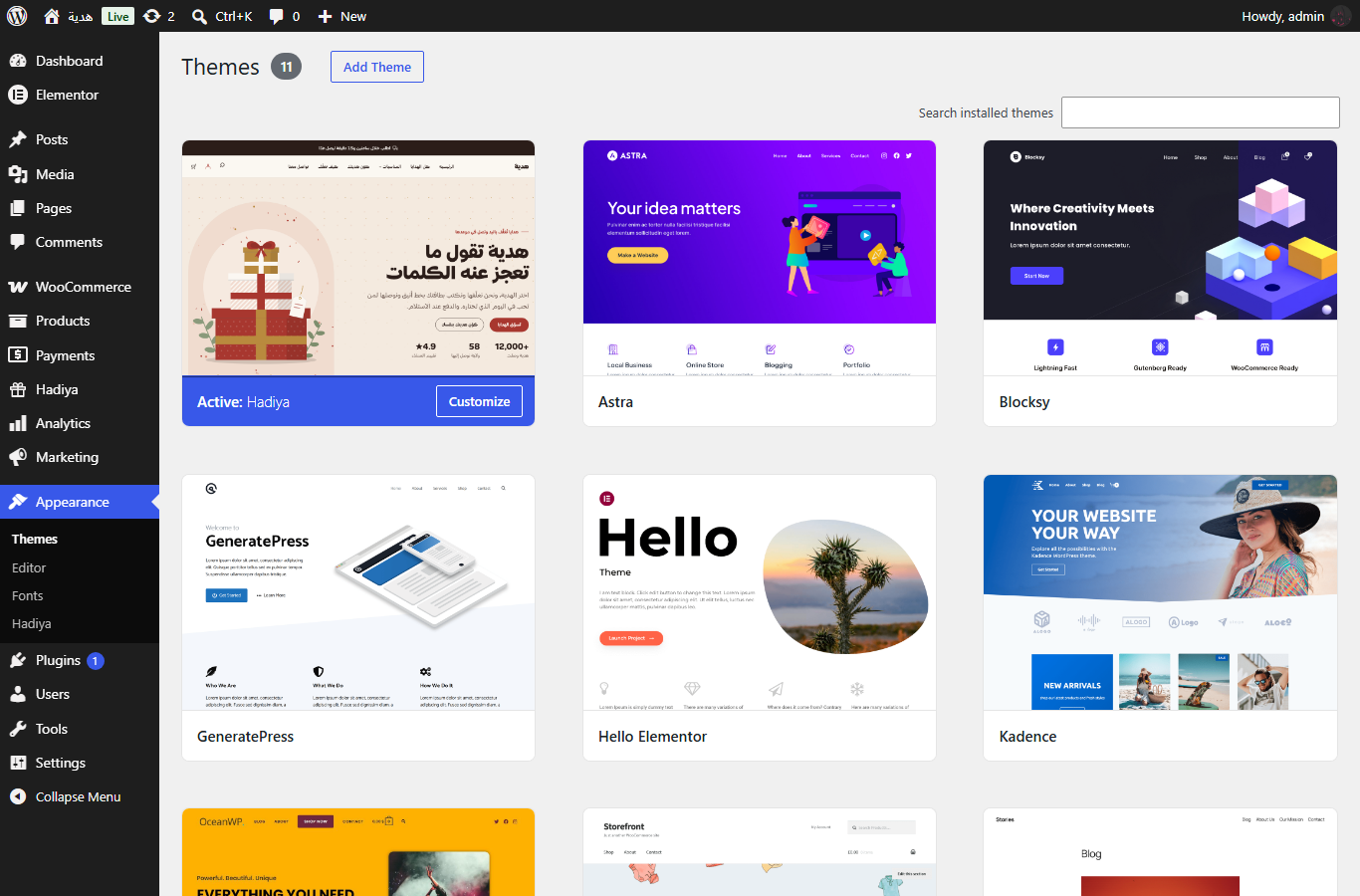
- In your admin, go to Appearance → Themes and click Add New Theme.
- Search for
Hadiya, then click Install and Activate. - Go to Appearance → Hadiya.
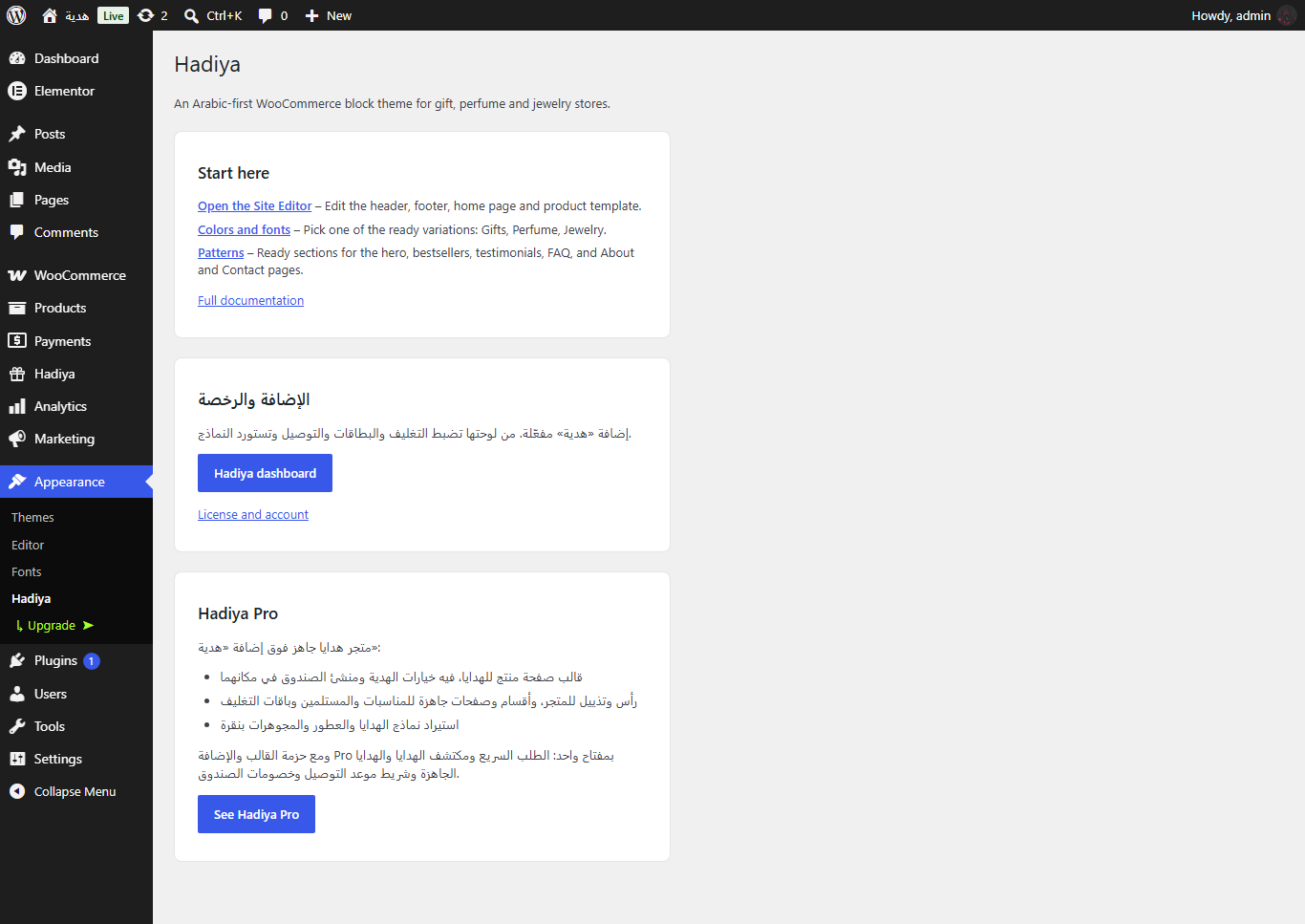
The Appearance → Hadiya page
This page gathers what you need to get started:
- Start here: quick links to the Site Editor, colors and fonts, and patterns, plus “Full documentation”.
- Gift features: shown when the Hadiya Gift Builder plugin isn’t installed, with a button to install it.
- Hadiya Pro: what Pro adds, shown if you haven’t upgraded.
You may also see the optional Freemius opt-in screen on this page. Nothing is collected unless you agree, and you can skip it.
Adding the gift features
Wrapping, greeting cards, delivery to the recipient and “build your gift box” are in the free Hadiya Gift Builder plugin. Install it from the button in Appearance → Hadiya, or from Plugins → Add New Plugin by searching for Hadiya Gift Builder. Its setup steps are in Getting started with Hadiya Gift Builder.
The theme is designed for it: the product page shows the plugin’s blocks in place, and their colors follow the theme’s style variation.
Installing Hadiya Pro Pro
After buying from wooarab.com you get the Pro zip file, and your license key arrives in the purchase email.
- Install and activate WooCommerce first.
- Go to Appearance → Themes, click Add New Theme, then Upload Theme.
- Choose the Pro zip file, then install and activate it.
- Activate your license on the activation screen in Appearance → Hadiya.
- The notice “The Hadiya theme needs its companion plugin” appears. Click Install and activate plugin. Hadiya Pro ships with the plugin, so you don’t need to download it elsewhere.
Licenses and the bundle are explained in “Versions and licenses”.
First steps
- Choose your store’s style variation (Gifts, Perfume or Jewelry) in Appearance → Editor → Styles.
- On Pro, import a demo and replace the products with your own. See “Importing a demo”.
- Add gift wraps and delivery days in the Hadiya admin of the Hadiya Gift Builder plugin.
- Set up shipping zones in WooCommerce. Delivery prices are calculated from them.
Getting help
Send your question through the contact page. If Hadiya Gift Builder is installed, copy the system information from Hadiya → Help and attach it so we can help you faster.