
This article covers customizing your store in the Site Editor: style variations and fonts, templates and template parts, patterns and block styles, and what the Hadiya Pro theme adds.
Style variations and fonts
Go to Appearance → Editor, then Styles, or use the colors and fonts link in Appearance → Hadiya. The theme comes with three style variations you can switch with one click:
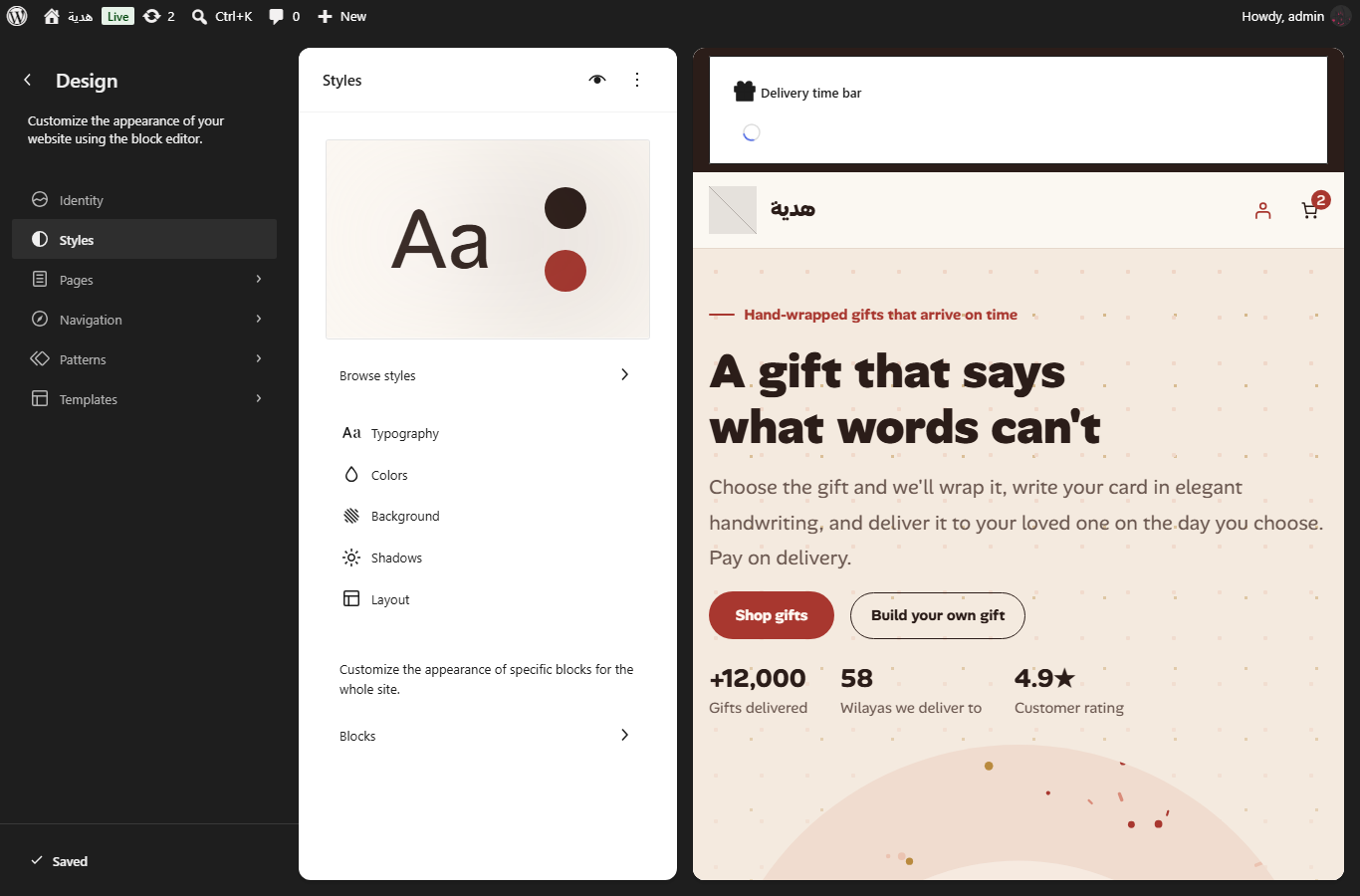
| Variation | Body font | Heading font |
|---|---|---|
| Gifts | Alan Sans | Alan Sans |
| Perfume | IBM Plex Sans Arabic | Amiri |
| Jewelry | IBM Plex Sans Arabic | Amiri |
The four fonts, Alan Sans, IBM Plex Sans Arabic, Tajawal and Amiri, are hosted in the theme, so your site doesn’t call external font services. Change fonts and colors in the Styles panel. If Hadiya Gift Builder is installed, its blocks take the variation’s colors automatically.
Templates and template parts
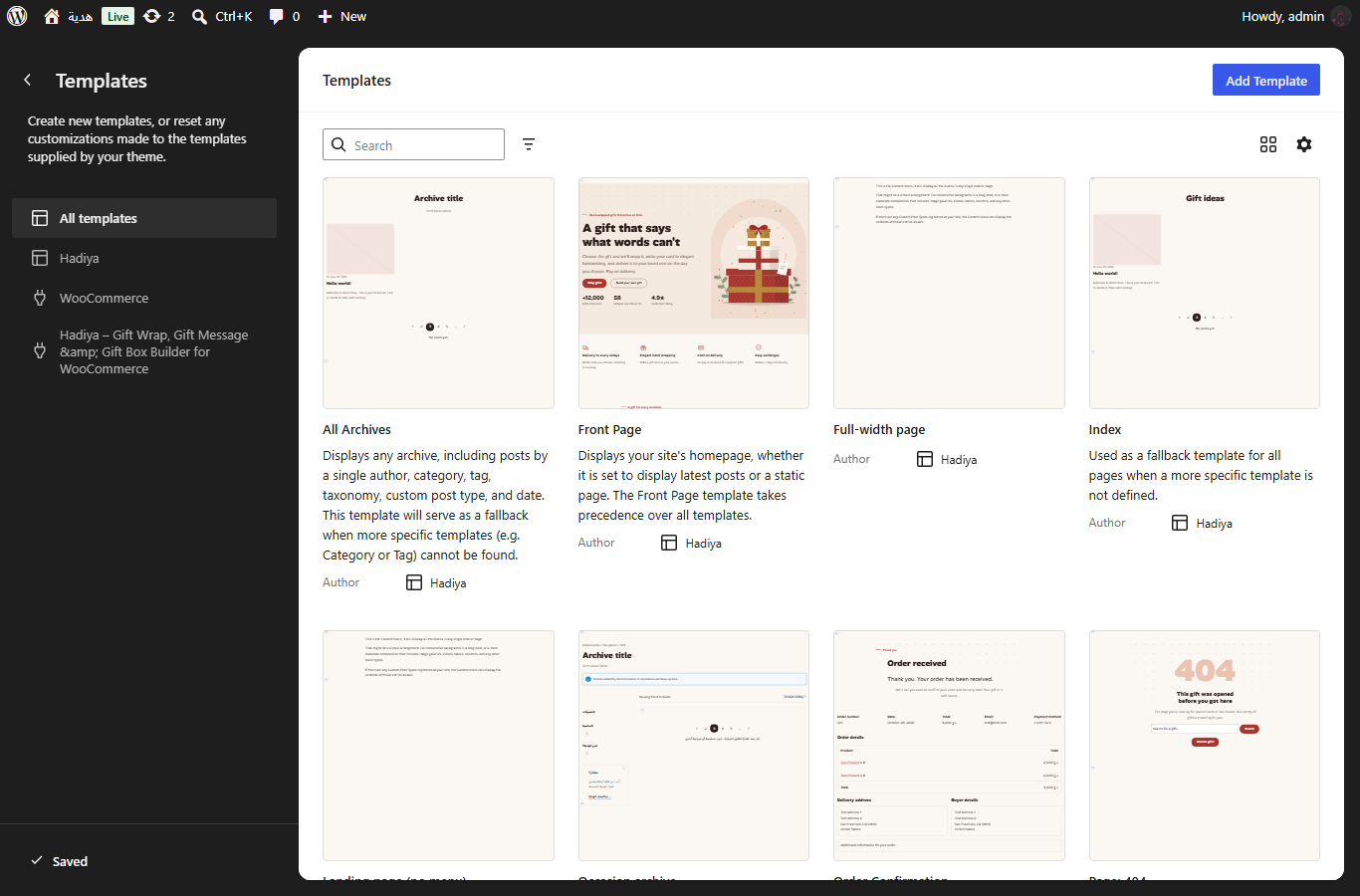
The theme has templates for the home page, shop, product category, product, cart, checkout, order confirmation, search results, blog and 404. It also has two templates you can pick for any page:
- Landing page (no menu): for pages and products, with a minimal header.
- Full width page: for pages.
Template parts: the header, the minimal header (landing pages), the footer and the mini cart. Edit them in Appearance → Editor → Templates.
Pro templates Pro
With Hadiya Gift Builder active, the Hadiya Pro theme replaces these templates with gift-store versions:
- Home page: adds “build your gift box”, occasions, recipients, ready-made gifts and gift wraps sections.
- Product page: puts “Make it a gift”, the delivery bar, gift contents, the box builder, perfume notes and the size guide in place, with the quick order form below the cart button.
- Header: the delivery bar and links to “build your gift box”, the gift finder and gift wraps.
- Footer.
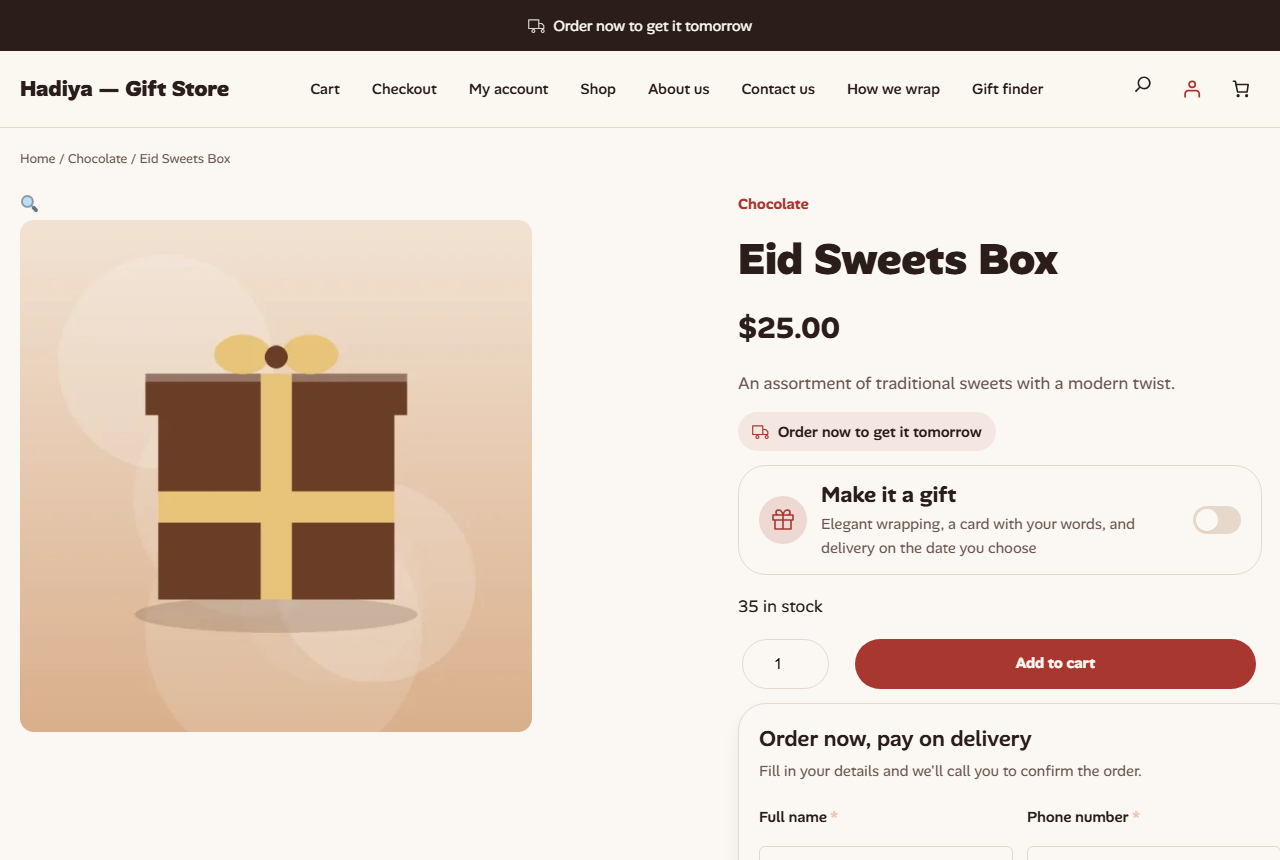
Blocks that need Hadiya Gift Builder Pro (the quick order form, gift contents, delivery bar, perfume notes and size guide) don’t show in the store without its license, so the page works with what the free plugin offers.
Patterns
Find the patterns in Appearance → Editor → Patterns and in the block inserter, under the “Hadiya – Sections” and “Hadiya – Pages” categories.
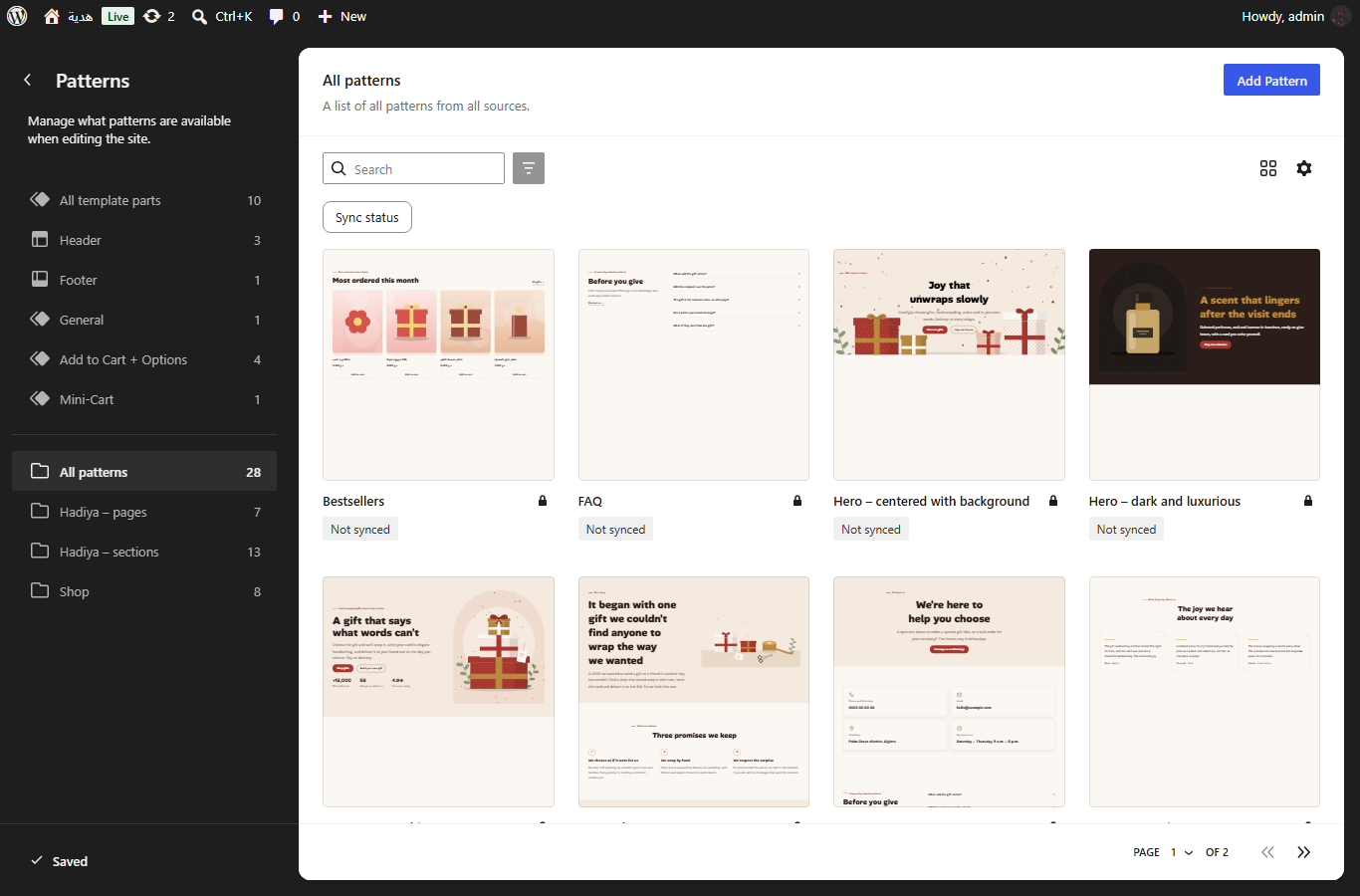
| Pattern | Version |
|---|---|
| Hero – text and image, Hero – dark and luxurious, Hero – centered with background | Free |
| Trust bar, Bestsellers, Testimonials, FAQ | Free |
| Page: About us, Page: Contact us | Free |
| Call to action: build your gift box, Browse by occasion, Browse by recipient, Gift wraps showcase | Pro |
| Gift finder section, Ready-made gifts (need Hadiya Gift Builder Pro) | Pro |
| Page: How we wrap, Page: single product landing | Pro |
| Seasonal page: Eid, Seasonal page: Ramadan, Seasonal page: Valentine’s Day | Pro |
Pro patterns only show when Hadiya Gift Builder is active, because they use its blocks. On Pro, the second button in the heroes leads to “build your gift box” or the gift finder instead of “About us”.
Single product landing page Pro
- Create a new page and choose the “Landing page (no menu)” template.
- Insert the “Page: single product landing” pattern.
- Choose the product in the “Single product” block settings, and enter its ID in “Product ID” in the “Quick order form” block (needs Hadiya Gift Builder Pro).
Block styles
The theme adds styles to WordPress blocks, picked from the block settings: an eyebrow paragraph, an arch for images and covers, card and gift tag groups, a ribbon separator, an arrow button and a check list.
The gift blocks themselves (Make it a gift, Box builder, Gift finder and others) come from Hadiya Gift Builder, and are covered in Placement, appearance and shortcodes.