
This article covers how to import one of the ready-made demos to start with a complete store, what changes on your site, and how to remove the demo content later.
Who can import? Pro
Demo import is part of the Hadiya Pro theme, and runs from the admin of the Hadiya Gift Builder plugin that comes with it. It’s available with any of these licenses:
- a Hadiya Pro theme license,
- the Hadiya Pro bundle (theme and plugin),
- or a Hadiya Gift Builder Pro license.
Available demos Pro
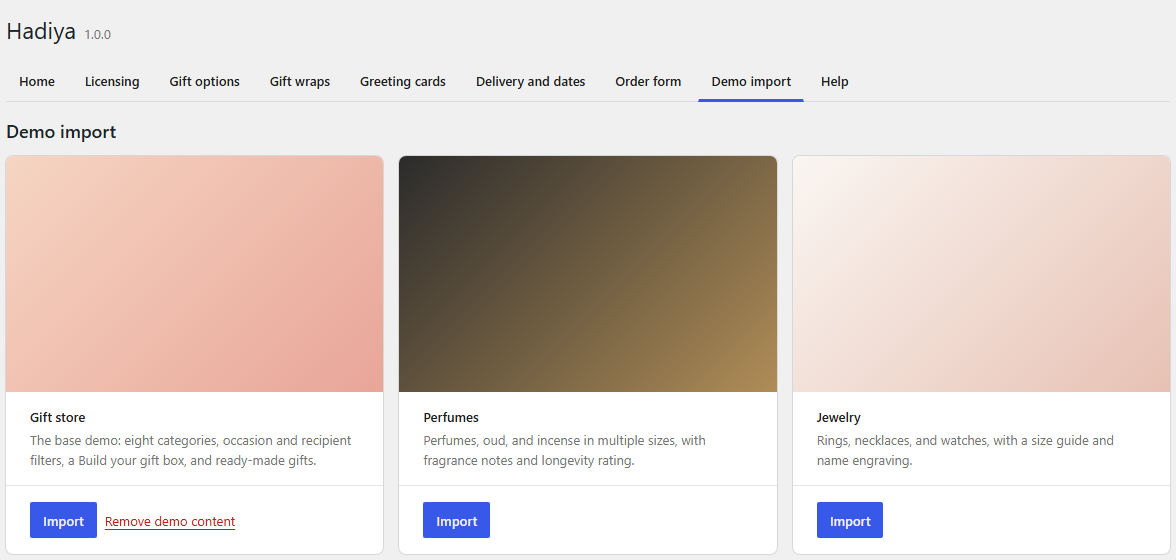
The demos ship inside the plugin, so there’s nothing to download. Find them in Hadiya → Demo import; each has a Preview link to its copy on the demo site.
| Demo | What it includes |
|---|---|
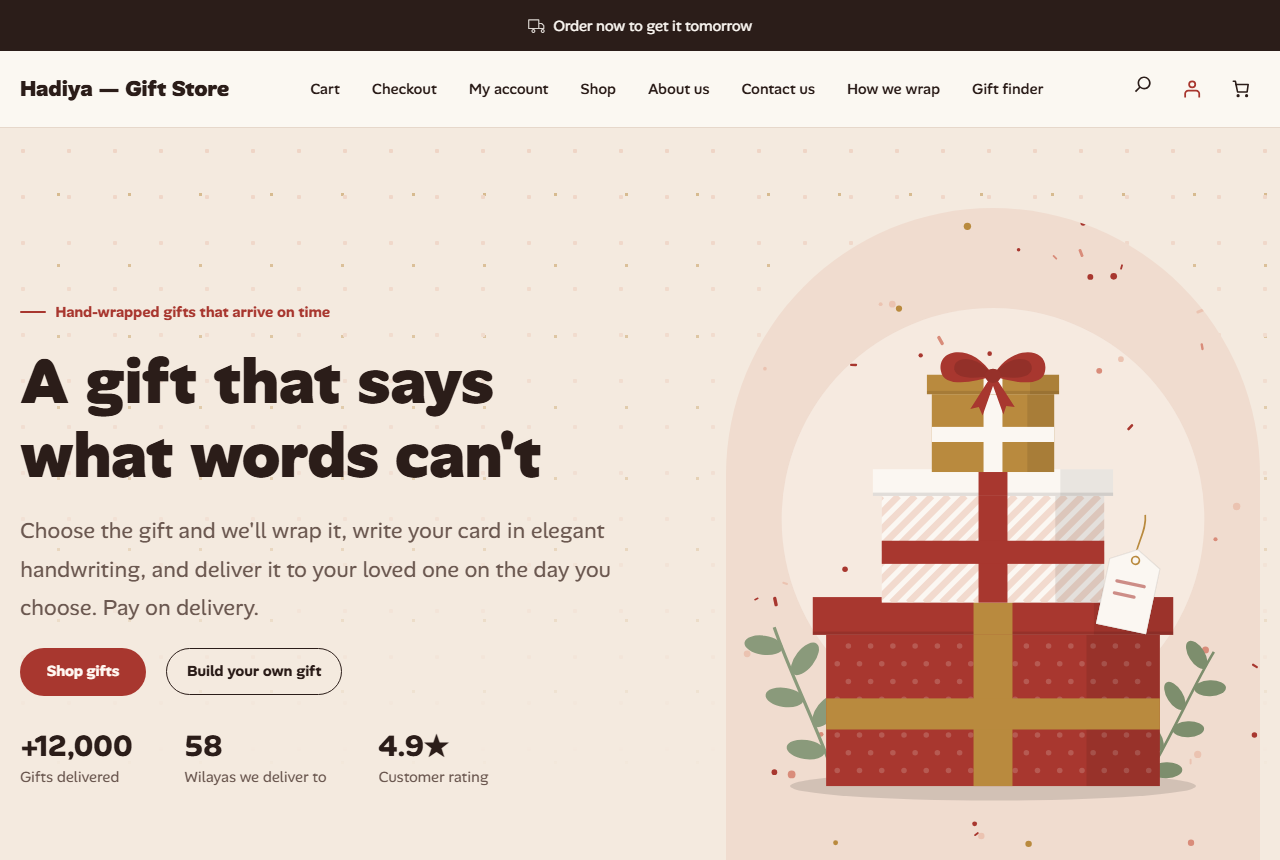
| Gift store | The main demo: eight categories, occasion and recipient filters, a “build your gift box” product and ready-made gifts. |
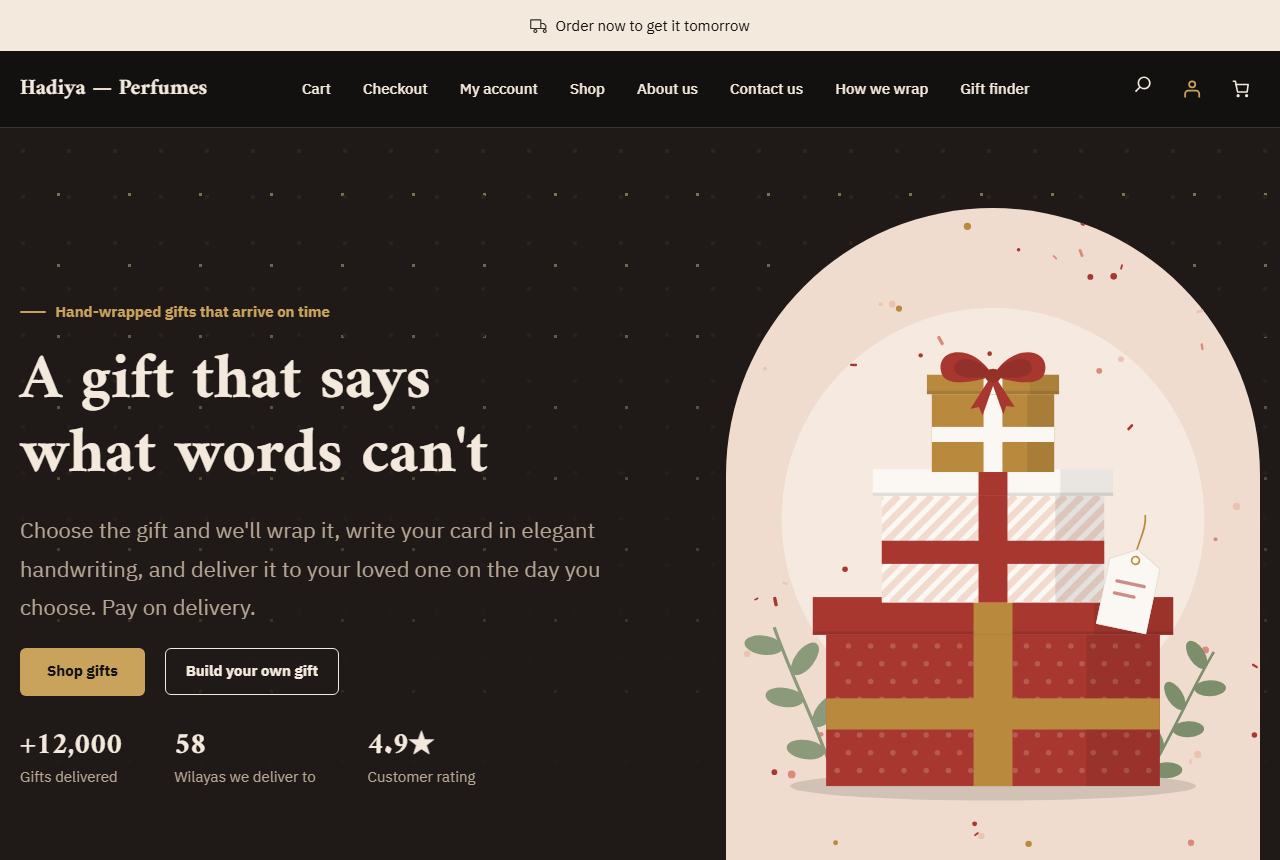
| Perfume | Perfumes, oud and incense in several sizes, with fragrance notes and longevity. |
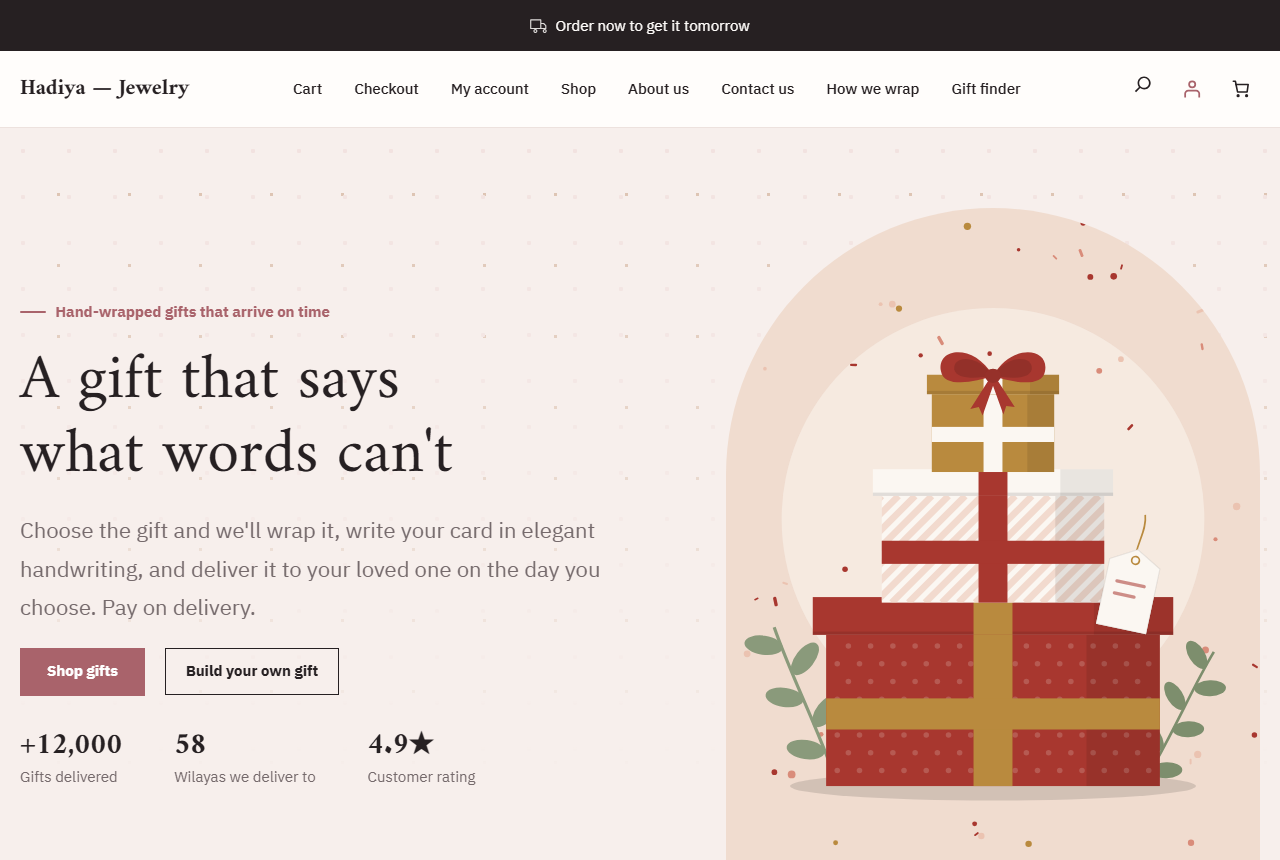
| Jewelry | Rings, necklaces and watches, with the size guide and name engraving. |
Each demo also imports its style variation of the theme, so your store looks like these:
Before importing Pro
The import checks these first and stops with a clear message if one is missing:
- An active license from the list above.
- Your account is an administrator.
- WordPress 6.7 or later, WooCommerce 9.0 or later and active, PHP 7.4 or later.
- The
uploadsfolder is writable.
If the memory limit is below 128M, the import continues with a warning that it may be slower.
Importing step by step Pro
- Go to Hadiya → Demo import and click Import under the demo you want.
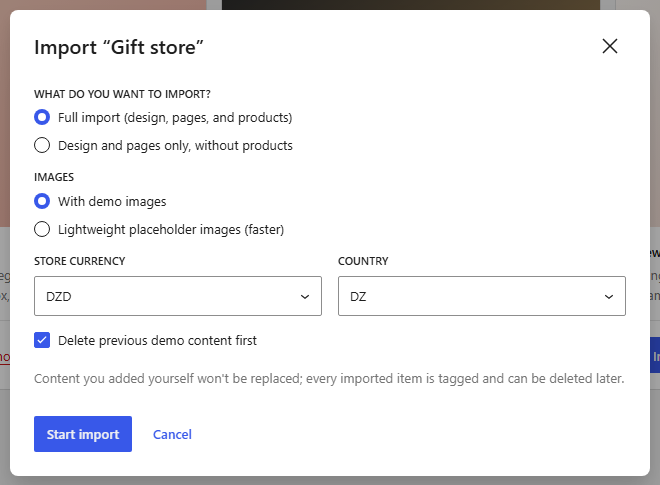
- In the options dialog choose:
- What do you want to import?: “Full import (design, pages, and products)” or “Design and pages only, without products”.
- Images: “With demo images” or “Lightweight placeholder images (faster)”.
- Store currency and Country.
- Delete previous demo content first: shown if you imported a demo before.
- Click Start import and follow the steps in the progress bar. Don’t close the page until it finishes.
- When it’s done you’ll see Visit store, Customize design and Add your products.
What changes on your site Pro
- Products, wraps, ready-made gifts, categories, pages and images are added, and each imported item is tagged so it can be removed later.
- Nothing you added yourself is replaced. If you edited a template in the Site Editor, it’s left as is.
- The demo’s Hadiya settings and style variation are applied, and its home page becomes your site’s home page.
- The store currency is set to the one you chose, and the store country too if it’s different.
Removing demo content Pro
Click Remove demo content under the imported demo, then confirm with Yes, remove the content. Everything imported from it is deleted: products, pages, images and tagged categories. Your own content isn’t touched.